Support Ticket
14 Sept 2025
CCTV Access on Mobile
Mandy wanted to be able to access the CCTV system the previous owner left installed on her mobile.
Introduction
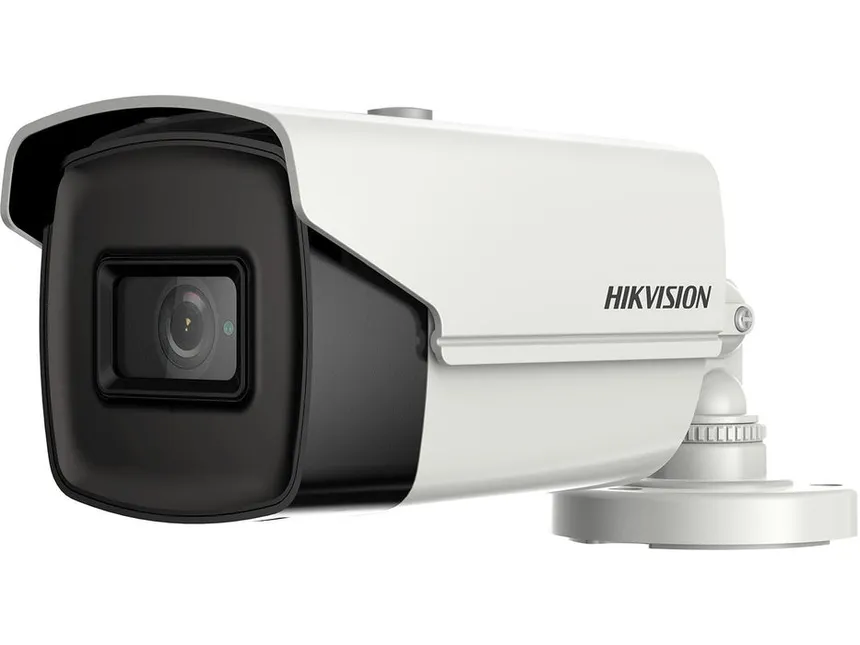
Mandy had a HikVision CCTV system left behind by the previous owner of the house but the only way to view any of the feeds was in one of the upstairs bedrooms on a TV linked directly into the Direct Video Recorder (DVR).
She wanted to know if I could help getting access to the feeds on her mobile, laptop or even outside of the house.
What is HikVision?
HikVision is a popular CCTV equipment manufacturer used in residential and business settings. The HikVision cameras can be accessed if you setup the HikConnect app on your mobile and even outside of the house if you can turn on remote access.
Unfortunately, remote access was locked to the original owner of the system so the only option would have been to purchase a new router that supports inbound VPN connections and acts as a VPN server. This would have allowed Mandy to connect in to her home network while out of the house and access the cameras.
Steps I took to Fix the Issue
Factory reset the DVR
Helped Mandy and Steve set up a new administrator password on it
Advised that they connect the DVR to the router using an ethernet cable
Once connected to the network, it now receives an IP address
Using the newly assigned IP address, this can be entered into any phone with the HikConnect app installed to view the CCTV feeds on the local network
I also set this up on the laptop as well since it will be easier to copy saved footage from the DVR here and save it somewhere convenient on the laptop - though this uses the iVMS app which is how the HikVision system can be accessed on desktops or laptops
Outcome
Mandy no longer has to go upstairs to check on the CCTV, it can be done anywhere in the house where she receives a connection to her home WiFi either from her mobile or the laptop.